Why should you use the InspectorCEDEX mobile app?
After all it is just a mobile app.
Well actually there is a whole lot more to it than just a mobile app.
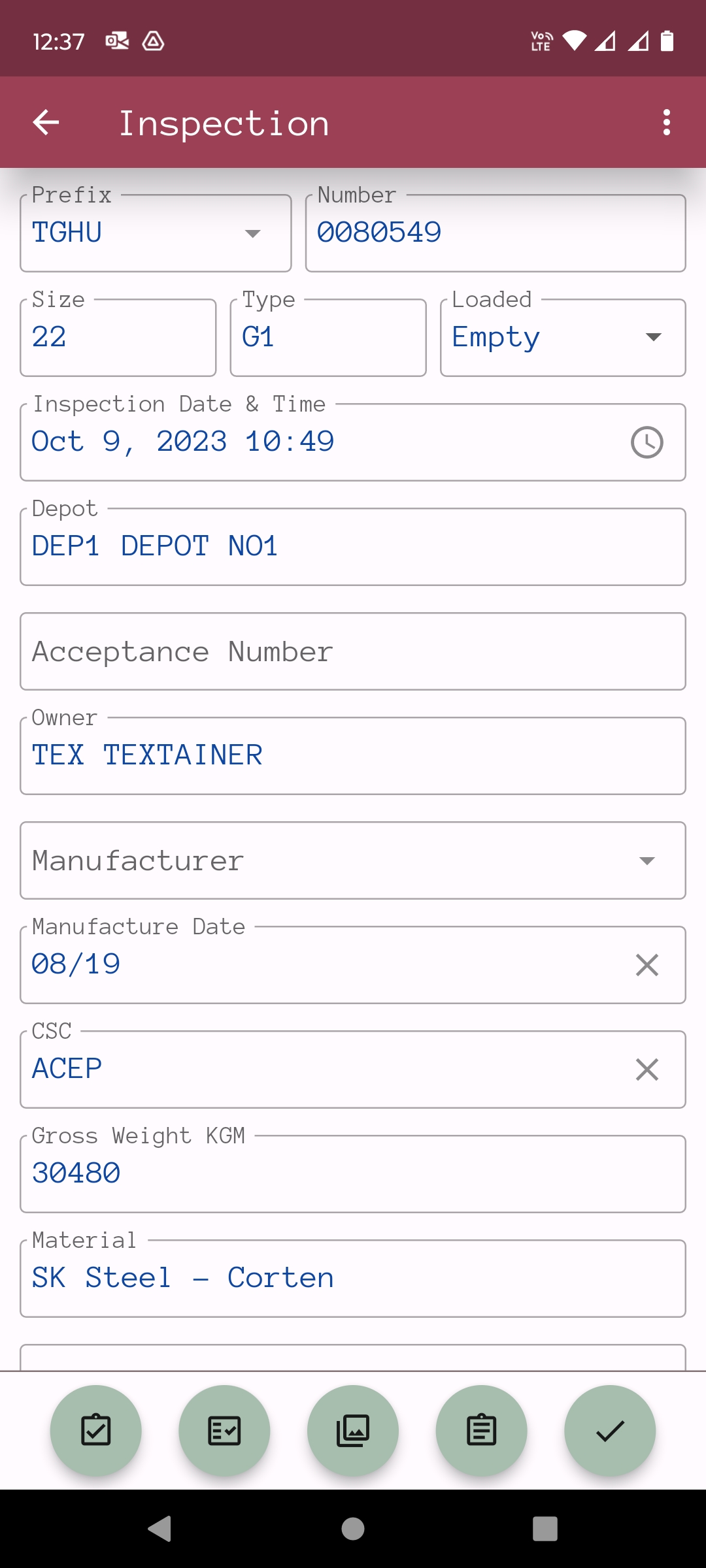
With InspectorCEDEX it is quick and easy to create Estimates. Input is straight forward, with simple selection from short picklists. There are no codes to remember, and the inspector is taken through the process step by step.
Photographs can be taken at the same time and are automatically included with the estimate. There is no additional time spent downloading, saving, sizing, filing, and matching photographs to estimates. It is all done automatically.
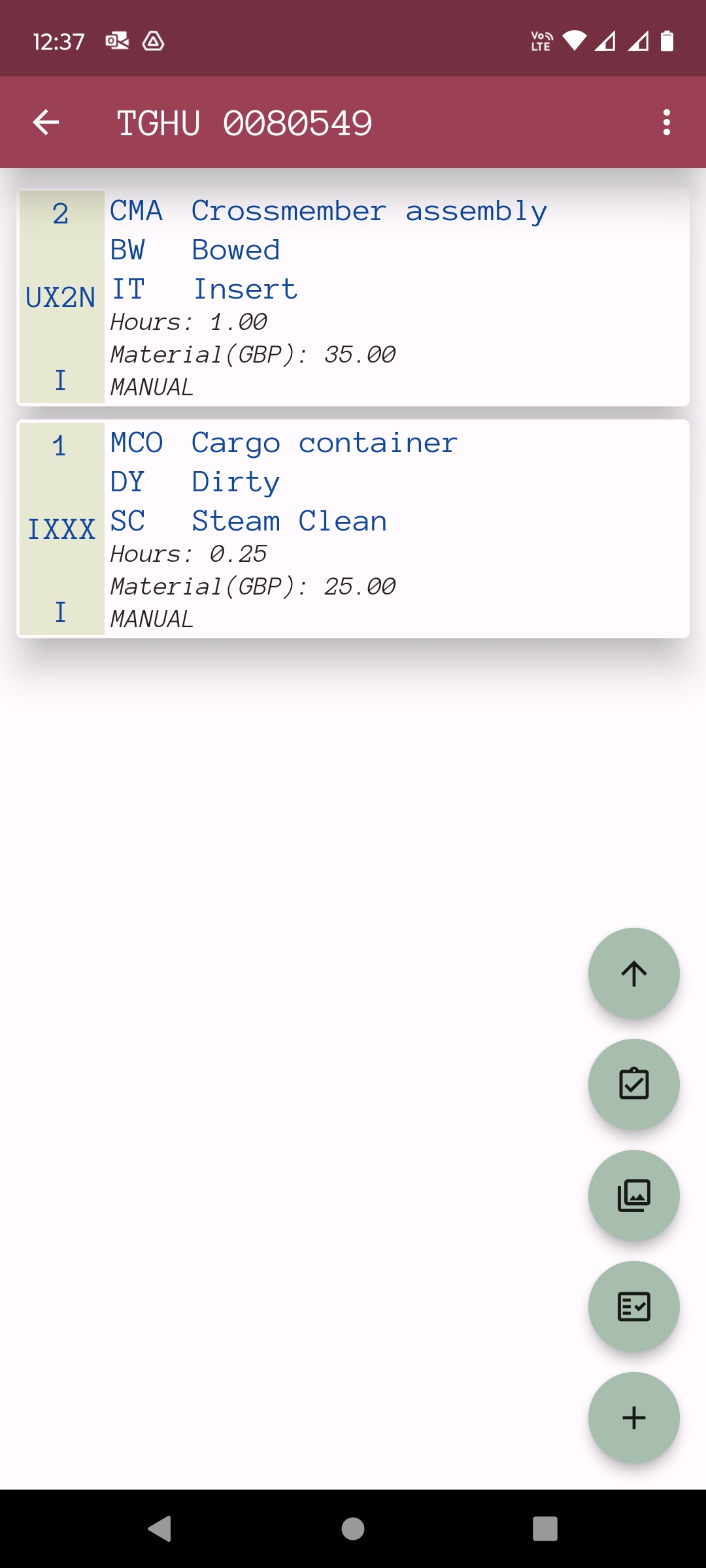
Pricing is automatic and accurate. You can use either your customer’s tariff or your own tariff. There is no need to do calculations such as area and perimeter of patches, or for straightening of multiple dents. Just input the length and width of each area of damage and the app will do all the calculations to give you prices for material and labour. Of course if you need to input your own price manually, you can also do that too.
Once you have completed your estimates, press send and the Estimate Document, including photographs, will be sent to both yourself and to your customers, both Leasing Companies and Shipping Lines. There is nothing further to do. No returning to the office to do paperwork, downloading photographs, or sending emails. It has all been done.
InspectorCEDEX can also create and send EDI messages or send photographs separately.
Messaging needs to be set up, but once set up it is done automatically.
You can create tariffs to enable repairs to be accurately and consistently priced.
Set your tariff prices and you can be sure that every estimated price is correct.
If your repair shop notices that your estimated prices don’t give you enough margin, you can adjust the tariff accordingly and ensure that all future prices have the margins you need.
If the price of materials increases, you can increase the material prices on your tariff,
and they will be applied to all future estimates.
- Win new customers and keep existing customers
Customers like to see well organised and professional suppliers. If they see that you can send them clear, accurate and concise estimate documents quickly, and can include photographs, they know they can rely on you. If customers know you can also send estimates using EDI, then they will probably prefer you over suppliers that can’t.
Once customers have set up EDI links with you then you know you are a preferred supplier.
It’s on your mobile phone. If your email is also on your mobile phone, then you don’t need
anything else. You don’t need to spend time on admin or IT functions. You just need to do the inspection. InspectorCEDEX runs on Android devices, both mobile phones and tablets.
You can take it anywhere and you can continue to input estimates even if there is no internet connection.
- It is more than just a mobile app
InspectorCEDEX is really a whole Shipping Container Maintenance and Repair Estimating System, that runs on a mobile phone, or a tablet if you prefer tablets. You don’t need PC’s or servers or network systems. It handles Inspection, Estimates, Messaging, Photographs, and Surveyor Authorisation/Approvals.